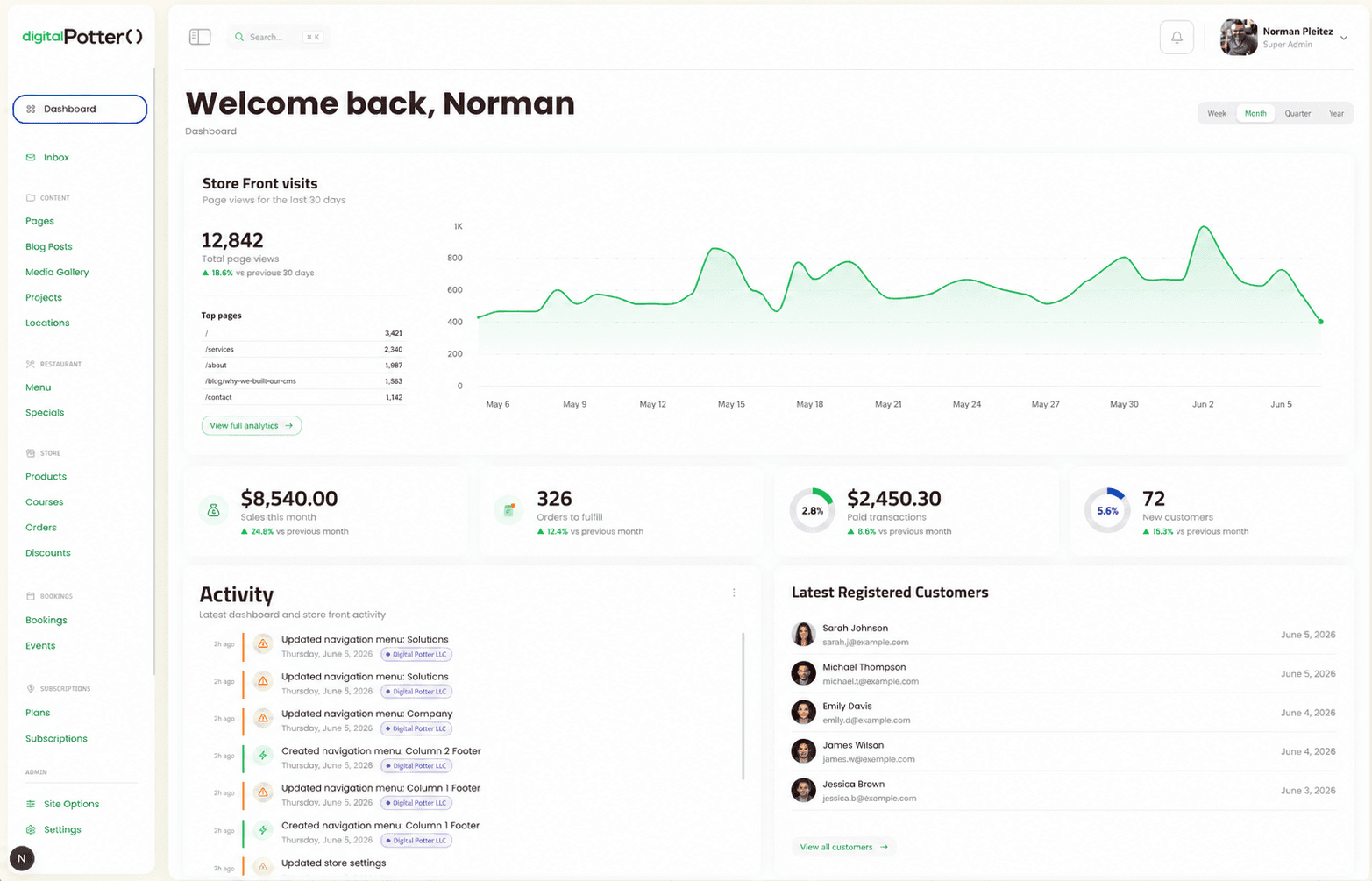
Rented platforms are a smart way to start. You sign up on Monday and take orders by Friday. Nobody should feel bad about that choice.
The trouble comes later, and it comes quietly. A course platform joins the store. Then a few apps to connect the two. Then a spreadsheet to catch what the apps miss. One day you notice the business bends around its tools.
This post is about that moment. What renting really costs, when you should keep paying, and how to leave without losing an order.
The invoice is the smallest part of the cost
Most owners judge a platform by its monthly bill. That number is easy to see, so it gets the attention. The bigger costs hide inside your team's week.
Here is what we usually find when a business runs on two or more rented platforms:
- Fees that stack. A plan for the store, a plan for the courses, and paid apps on top of each.
- Customers who exist twice. One person buys a product here and a course there. Now you have two records and two logins.
- Reconciliation by hand. Someone exports both platforms each month and lines them up in a spreadsheet.
- Reports nobody fully trusts. When totals come from stitched exports, every number invites a second look.
- Roadmap dependence. The feature you need sits on someone else's roadmap. You can vote for it. You cannot build it.
- Data on their terms. You can export, but in their format and within their limits.
None of these shows up on the invoice. All of them slow down how fast you can change the business.
The reconciliation point deserves a second look. The person doing it is rarely junior. It is often the owner, or the one operator who understands both systems. Those hours never appear on any bill, so nobody counts them.
A word on payment fees
Owners often expect big savings on card processing once they leave. Be careful with that idea. Shopify Payments is competitive, and card processing costs are broadly similar across major providers.
Do not build your case on payment fees. If the numbers only work because of them, the numbers probably do not work.
The real savings, when they exist, come from somewhere else:
- Fewer platform plans and paid apps.
- Fewer hours lost to manual work between systems.
- Features you ship when you need them, not when a vendor gets to them.
- One customer record you can actually market to.
When you should stay
Custom software is a serious spend. Staying is often the right call. Keep renting if most of these are true:
- The platform does the job without workarounds.
- One platform covers the business, not two or three glued together.
- Nobody spends hours each week moving data between tools.
- The features you need already exist on the platform, or close to it.
- You are still testing what customers want to buy.
A rented platform shines while you are still finding your shape. Changing a template is cheaper than changing custom code. If this describes you, keep paying and come back when it starts to hurt.
When it is time to leave
The signs are usually operational before they are financial. Watch for these:
- You run the business across two platforms that do not share customers.
- A monthly reconciliation exists, and someone dreads it.
- You have dropped an idea because the platform could not do it.
- Your checkout or course experience no longer feels like your brand.
- Your app subscriptions have grown faster than the business.
Two or three of those together is a real signal. The platform has stopped being a shortcut. Now it sets your limits.
How a careful migration works
Leaving a rented platform is not one big switch on launch day. It is a careful, checked process. Here is how we run one.
1. Map both platforms, field by field
We start by listing everything each platform holds. Products, variants, orders, customers, discounts, courses, enrollments and progress. Each field gets a home in the new system, or a written reason it does not need one.
This map also finds the duplicates. The same customer on two platforms becomes one person with one history.
2. Build importers you can run again
Every past order comes across, not just the recent ones. We write each import as a script that can run again at any time. If we find a problem, we fix the script and run it from the start.
That changes the risk completely. A one-shot import is a gamble. A re-runnable import is a rehearsal you repeat until it is boring.
3. Check the totals year by year
Moving the data is half the job. Proving it moved correctly is the other half.
We compare the new system against the old platform's own reports. Revenue for each year, refunds, and customer totals. When a year does not match, we find out why before going on. Usually it is an odd refund or an edge case in old data.
4. Keep the old platform on until the new one proves itself
The old store stays live while the new one is built and tested. Your team tries real tasks in a staging environment every week. Cutover happens on a quiet day, with the old system still running as a fallback.
You cancel the old subscriptions only after the new platform has run cleanly. Nothing switches off until its replacement works.
What you should own at the end
Ownership is the whole point, so be precise about it. After a migration like this, you should have:
- The code in repositories in your name.
- The data in a database in your own cloud account.
- Payments running through your own Stripe account.
- One customer record per person, with full order history.
- An admin your team uses for orders, products and students.
- Documentation written as the work happened, not at the end.
If a partner will not promise all of that in writing, ask why.
What this looks like in practice
We are doing this now for a post-surgical recovery brand. They sell recovery products on Shopify and courses on Teachable. We are replacing both with one platform the brand owns.
Products and courses live in one system with one customer record. Every past order comes across through an importer that can run again. Revenue is checked year by year against the old store's reports. And the old platforms stay on until the new one has proven itself.
You can read how we approach it in the recovery brand case study.
Questions to answer before you decide
Whether you work with us or not, answer these first:
- What do we pay each month across every platform and app?
- How many hours a week go into moving data between tools?
- Which ideas have we dropped because a platform could not do them?
- Who on our team can approve a migration and see it through?
- Can we export every order and customer today, in a usable format?
If the answers worry you, a technical audit is a sensible first step. It maps what you run today and what leaving would take. If you already know you want to build, see how we approach web applications.
Talk it through
Not sure if you have outgrown your platforms yet? Book a 30 minute call. You leave knowing whether to stay, leave or wait, and roughly what a move would cost.